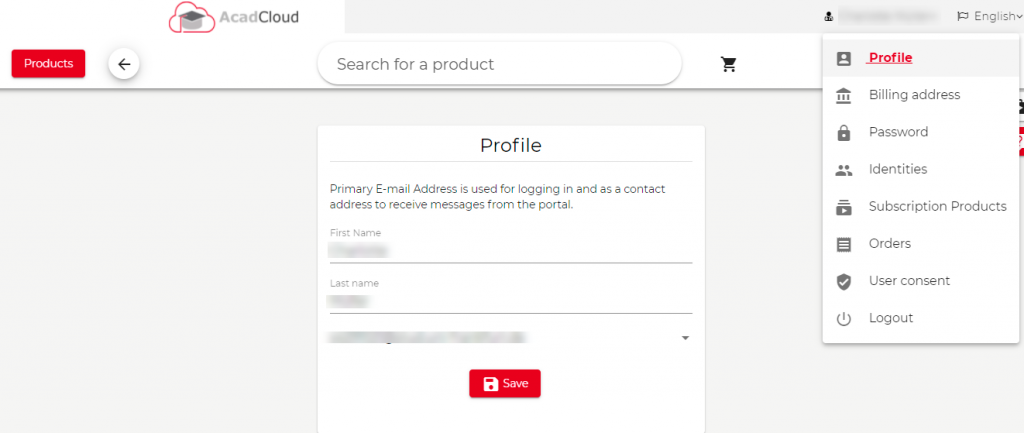
Click on your name on the top right of the page.
Click on Identities
Under the Type select “New Email address” and type your email address in the space and click on “Add New E-Mail”

Once the email address is added a confirmation email will be sent to the primary registered email address. Please confirm it.
Again go back to your account on the School/university URL, Click on profile and you can choose the preferred primary email address