
You can add a token to your account by following the steps below:
Login to your account on your university link
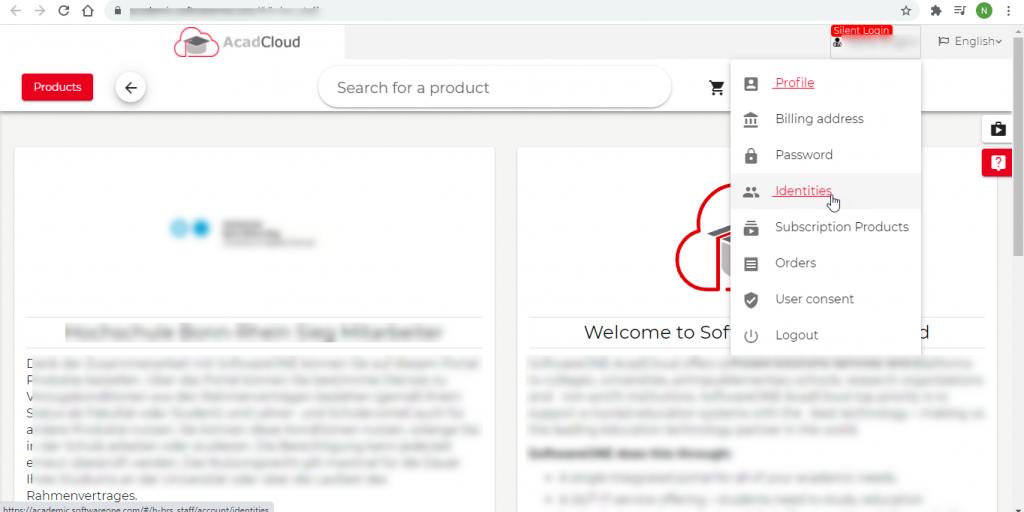
Click on Identities
From the “Type” dropdown select token and mention the token in front of that, click on add new token

Once the token is added, you would be able to purchase the products